
.svg?fit=max&auto=format&n=fnPhXvYfm-TNmZho&q=85&s=dc407af2e287b4714cedea5b8d7abf4d)
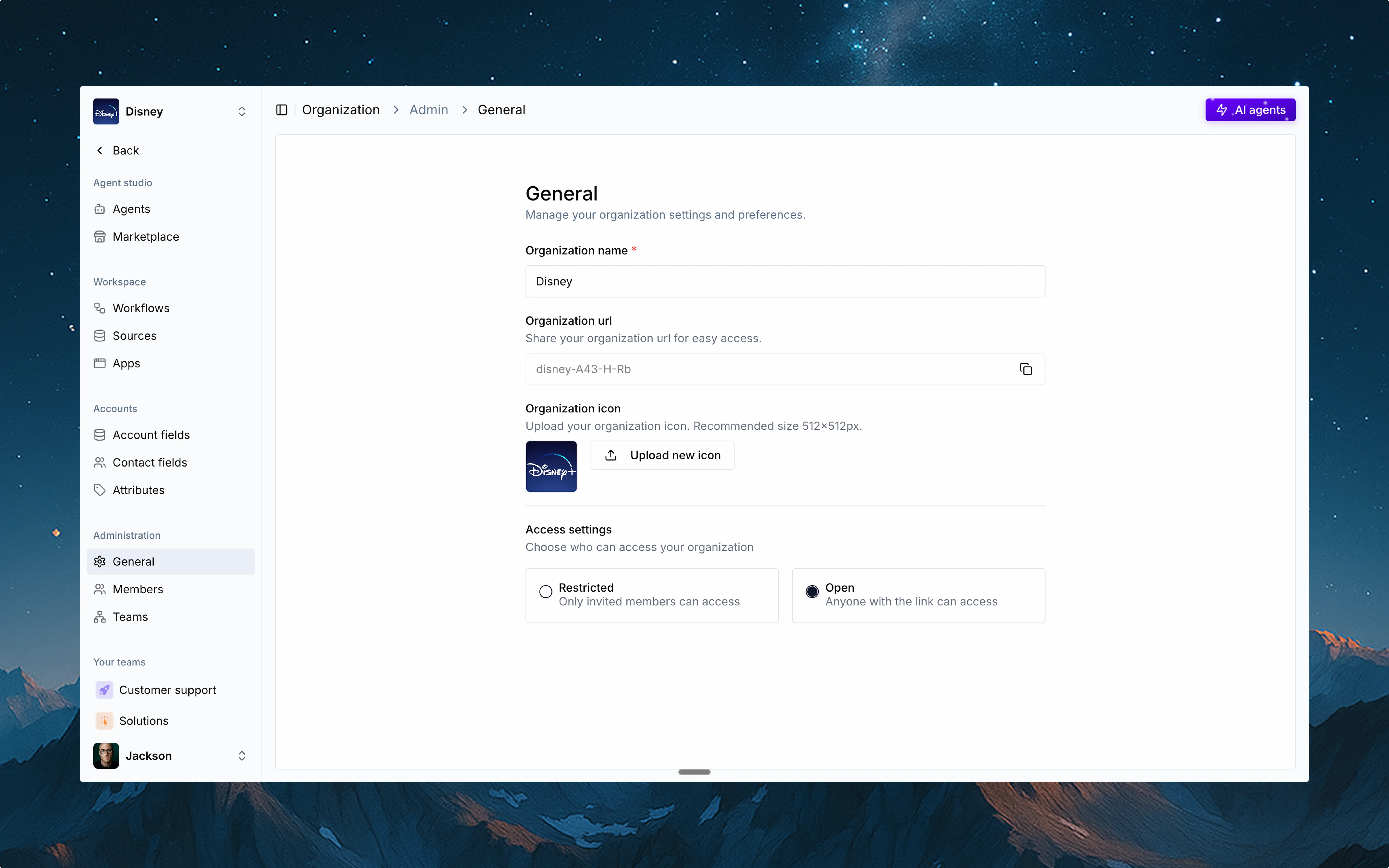
🏷️ Organization name
Every organization has a name that helps your teams identify the workspace. You can update this name anytime to match your branding or internal naming conventions.🌐 Organization URL
Thena automatically generates a unique URL for your org. This is useful for easy access and sharing—especially for larger teams.Open organizations
If your organization is set to Open, anyone with a matching domain (e.g., @acme.com) can access the org and join any non-private teams.
Restricted organizations
If your organization is set to Restricted, the org URL will not work for self-joins. Users must be invited explicitly by existing members.
🔒 Access settings
Choose how users can access your org:Restricted
Only invited members can join.
Open
Anyone with the link and a verified domain can enter and collaborate (except on private teams).