> ## Documentation Index
> Fetch the complete documentation index at: https://docs.thena.ai/llms.txt
> Use this file to discover all available pages before exploring further.
# Working hours
> Multi-level availability, fully customizable.
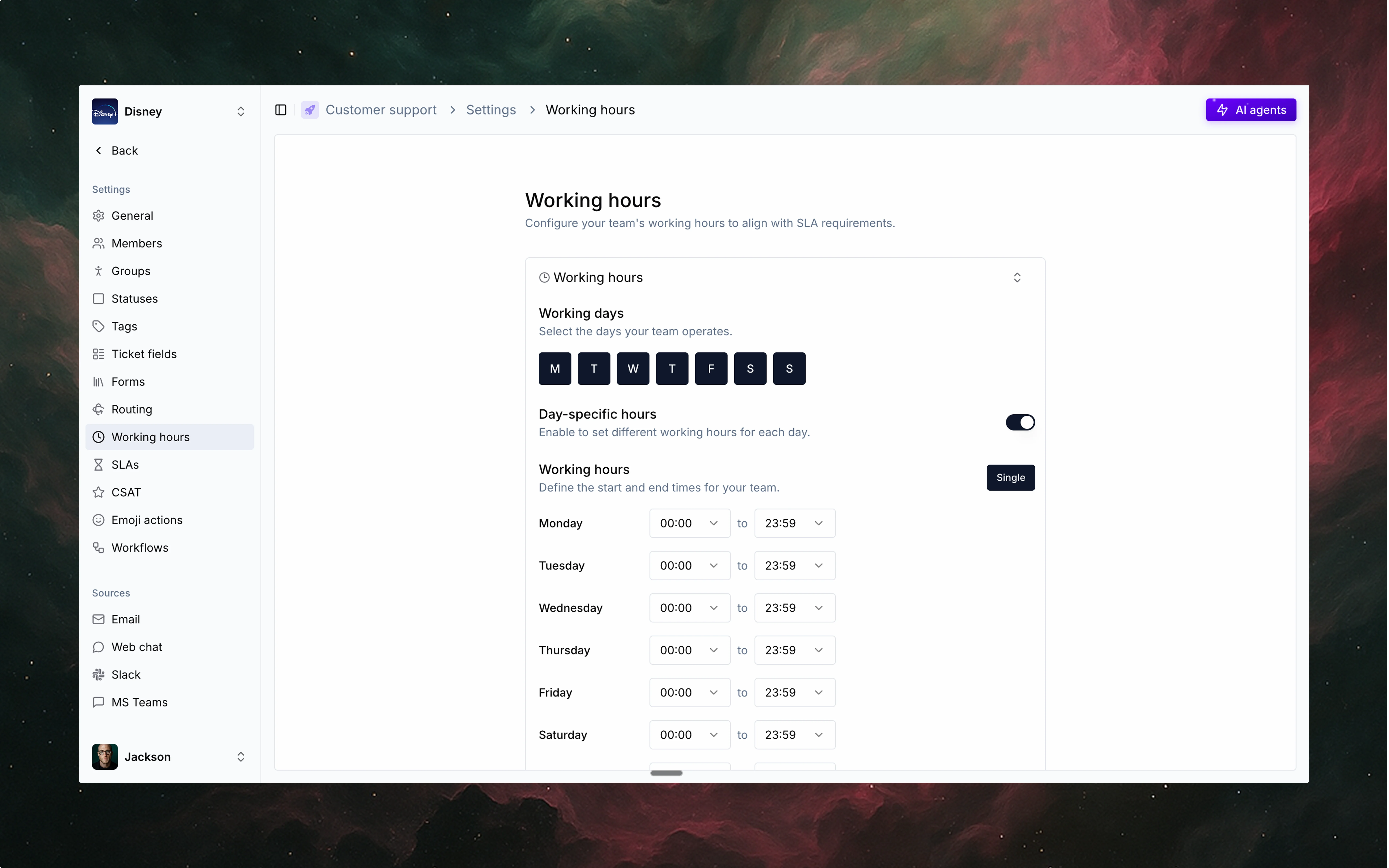 ## Overview
Working hours in Thena define when your team, groups, and individuals are available to work on tickets. This feature is ideal for distributed teams across time zones, support teams with shifts, or any operation managing response times. Configure working hours to route tickets to available staff, set customer expectations, and prevent burnout by respecting scheduled availability.
The system handles timezone differences automatically, making it effective for global teams. Working hours integrate with Thena's routing, assignment, and automation features to create support operations that balance customer needs with team wellbeing.
## Key features
### Multi-level availability
Thena supports working hours at three levels:
* Personal: Set by individual users.
* Group: Shared across members of a group.
* Team: Applies to the entire team.
### Smart operations
Working hours are used to power smart operations across Thena:
* Routing: Route tickets only to available groups.
* Assignment: Assign tickets based on who's online.
* Auto-responders: Trigger responses when requests come in outside working hours.
Thena adapts to global teams with timezone-aware logic, so no ticket goes unseen.
## Use cases
Route region-specific tickets only to groups active in that timezone.
Avoid assigning tickets to teammates outside their working hours.
Trigger "We'll get back to you soon" messages when no one's online.
Manage global coverage by blending team-level and personal availability.
Respect non-working days for each group or region automatically.
## Overview
Working hours in Thena define when your team, groups, and individuals are available to work on tickets. This feature is ideal for distributed teams across time zones, support teams with shifts, or any operation managing response times. Configure working hours to route tickets to available staff, set customer expectations, and prevent burnout by respecting scheduled availability.
The system handles timezone differences automatically, making it effective for global teams. Working hours integrate with Thena's routing, assignment, and automation features to create support operations that balance customer needs with team wellbeing.
## Key features
### Multi-level availability
Thena supports working hours at three levels:
* Personal: Set by individual users.
* Group: Shared across members of a group.
* Team: Applies to the entire team.
### Smart operations
Working hours are used to power smart operations across Thena:
* Routing: Route tickets only to available groups.
* Assignment: Assign tickets based on who's online.
* Auto-responders: Trigger responses when requests come in outside working hours.
Thena adapts to global teams with timezone-aware logic, so no ticket goes unseen.
## Use cases
Route region-specific tickets only to groups active in that timezone.
Avoid assigning tickets to teammates outside their working hours.
Trigger "We'll get back to you soon" messages when no one's online.
Manage global coverage by blending team-level and personal availability.
Respect non-working days for each group or region automatically.