> ## Documentation Index
> Fetch the complete documentation index at: https://docs.thena.ai/llms.txt
> Use this file to discover all available pages before exploring further.
# Groups
> Split teams into specialization and timezones.
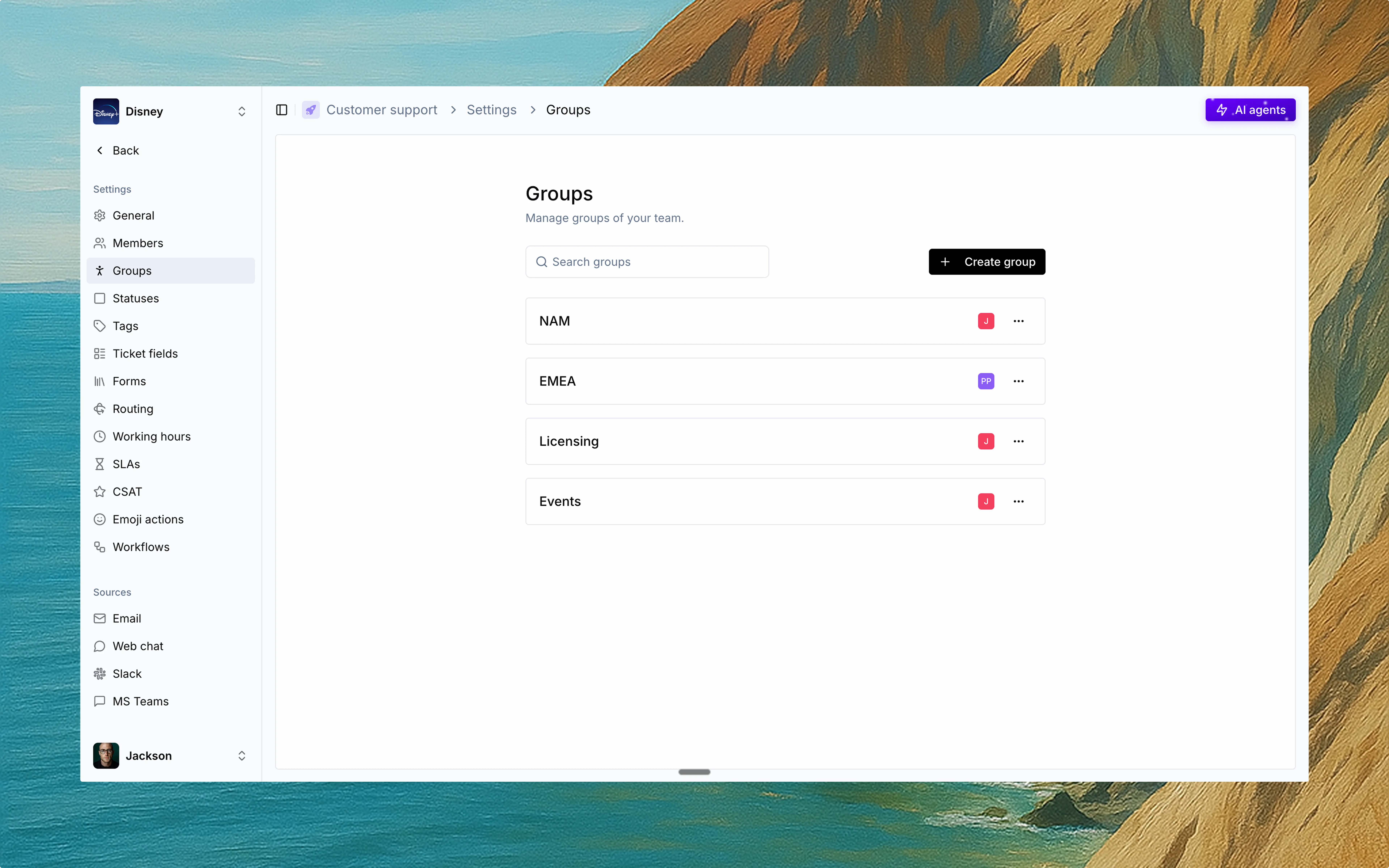 Groups are sub-teams within a Team—built for structure, specialization, and smart routing.
Use Groups to segment team members by skill, function, or region. Each group runs on its own rules for availability and assignment.
## Configuration
Every group has its own:
* 👥 **Members**\
Add specific users to each group. A user can belong to multiple groups.
* 🕒 **Working hours**\
Set custom hours to reflect when the group is active and available for assignments.
* 🌐 **Timezone**\
Align working hours with the group's local time.
* 📅 **Holidays**\
Define regional or team-specific non-working days.
* 🎯 **Assignment logic**\
Choose how tickets are distributed within the group—round-robin, load-based, or manual.
## Why use Groups?
Regional support teams (e.g. APAC, EMEA, NA)
Function-based squads (e.g. Billing, Technical, Licensing)
Managing SLAs and load distribution across large teams
Groups ensure the right request lands with the right people—on time, every time.
Groups are sub-teams within a Team—built for structure, specialization, and smart routing.
Use Groups to segment team members by skill, function, or region. Each group runs on its own rules for availability and assignment.
## Configuration
Every group has its own:
* 👥 **Members**\
Add specific users to each group. A user can belong to multiple groups.
* 🕒 **Working hours**\
Set custom hours to reflect when the group is active and available for assignments.
* 🌐 **Timezone**\
Align working hours with the group's local time.
* 📅 **Holidays**\
Define regional or team-specific non-working days.
* 🎯 **Assignment logic**\
Choose how tickets are distributed within the group—round-robin, load-based, or manual.
## Why use Groups?
Regional support teams (e.g. APAC, EMEA, NA)
Function-based squads (e.g. Billing, Technical, Licensing)
Managing SLAs and load distribution across large teams
Groups ensure the right request lands with the right people—on time, every time.