> ## Documentation Index
> Fetch the complete documentation index at: https://docs.thena.ai/llms.txt
> Use this file to discover all available pages before exploring further.
# Themes
> Personalize your workspace, your way.
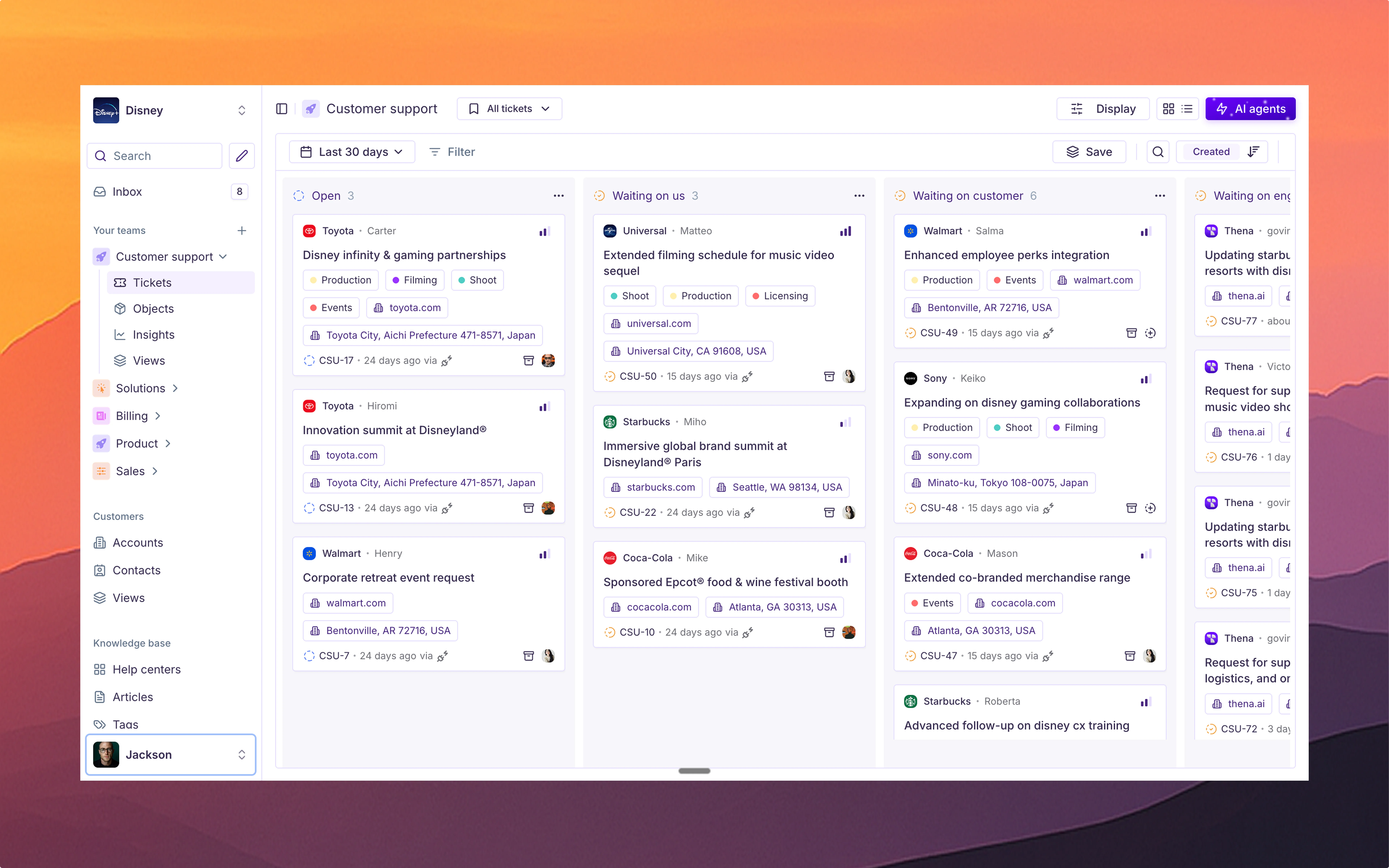
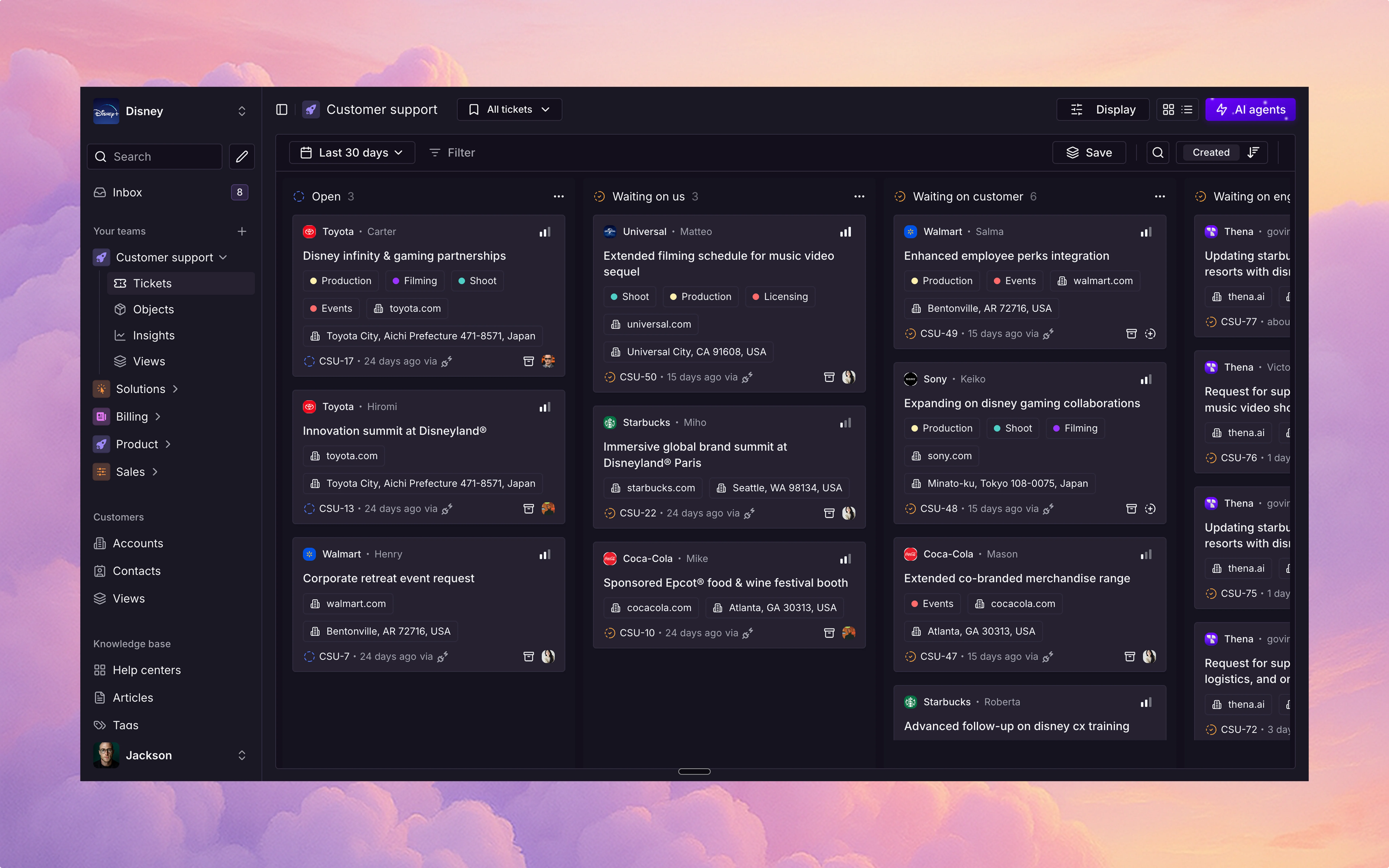
Thena offers a curated set of themes designed for every mood, lighting condition, and workflow. Each theme comes with its own personality — crafted to enhance focus, reduce fatigue, or simply match your aesthetic.
## Explore the options
A light, airy palette with soft whites and subtle grays for clarity and calm.
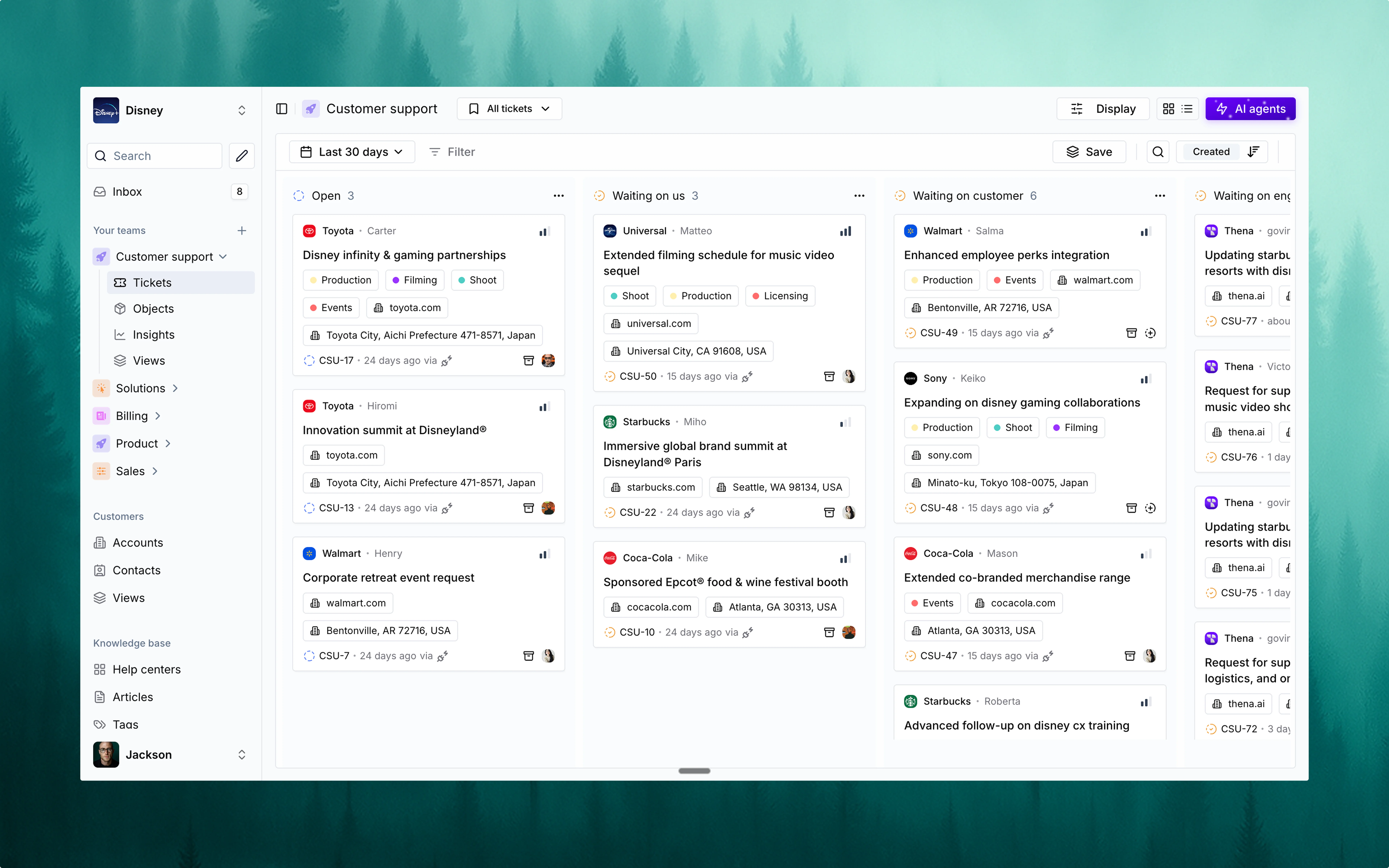 Deep blacks and moody tones — perfect for late-night productivity.
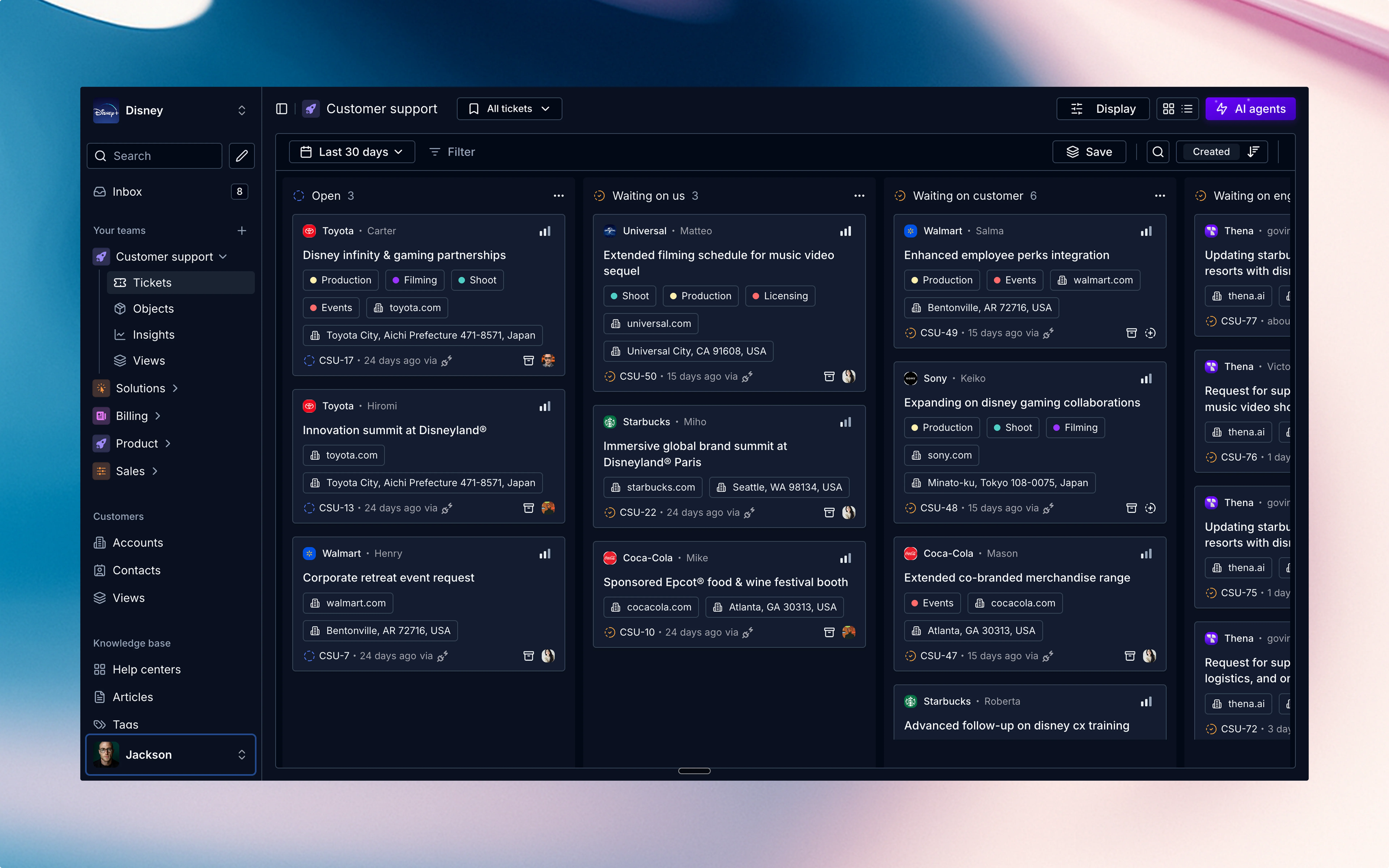 Bright and energetic UI with vibrance and visibility for maximum impact.
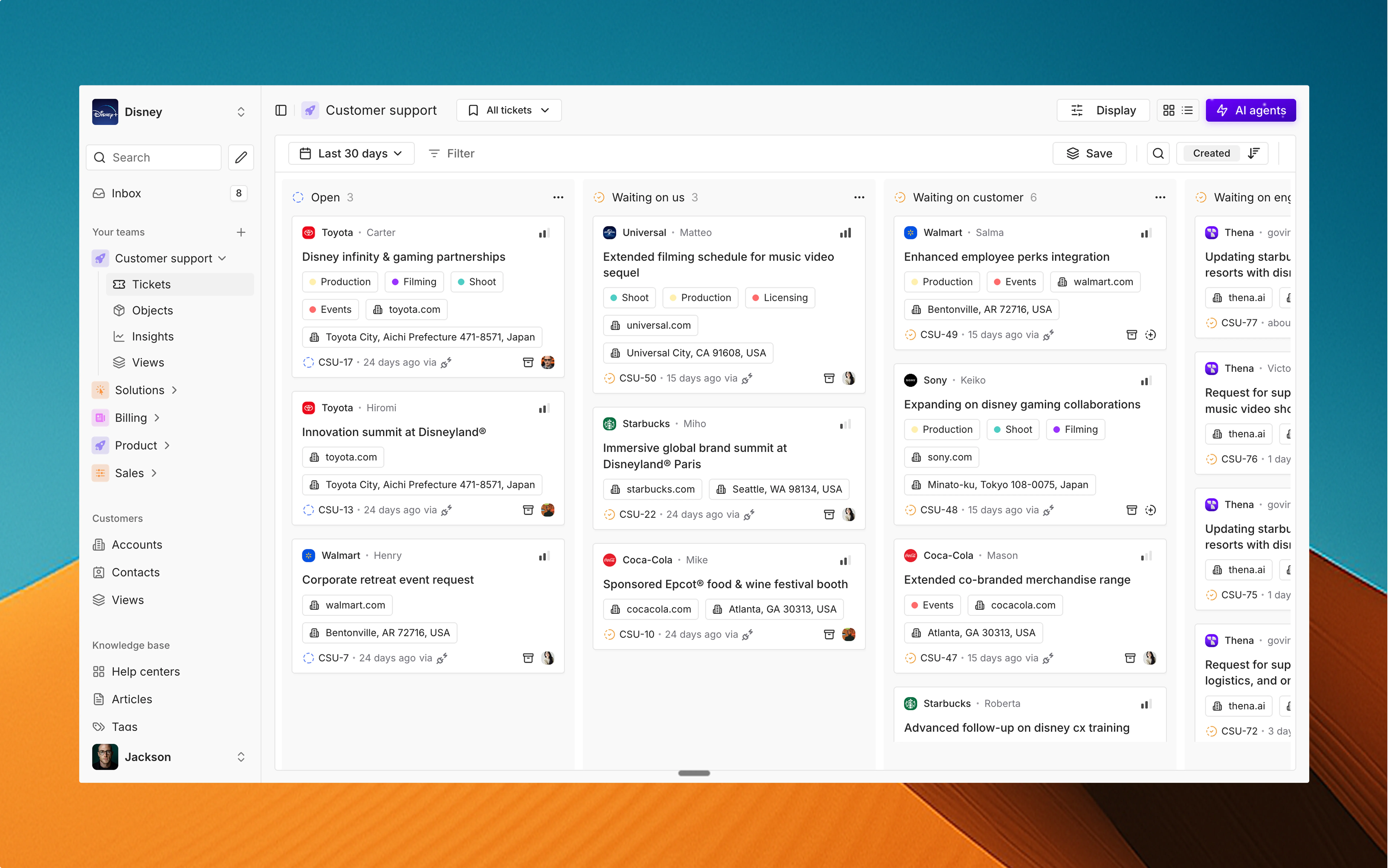 A dark, sleek interface that reduces glare and helps you focus on what matters.
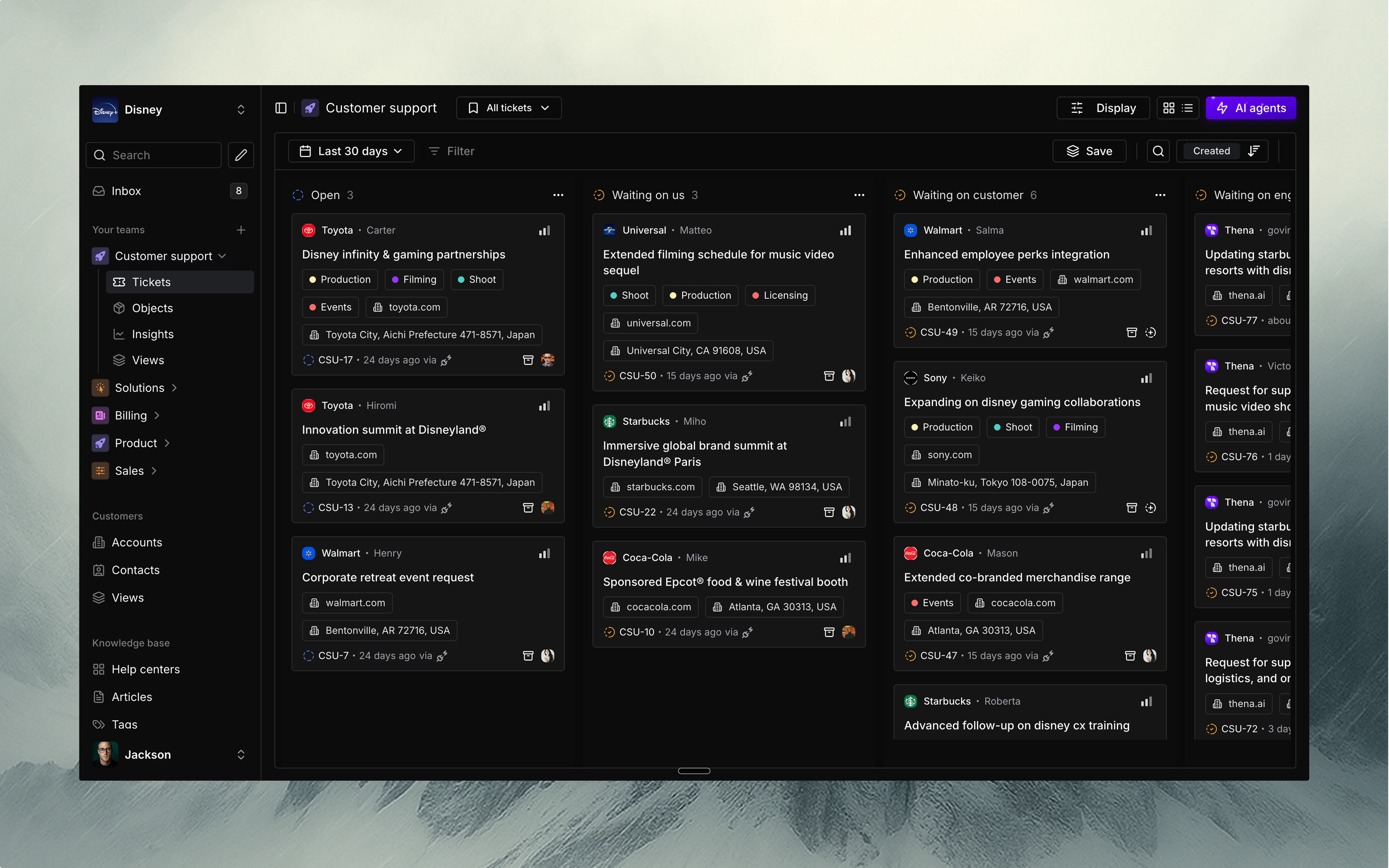 Gentle colors with a breezy feel — minimalist, and refreshingly clean.
 Futuristic and bold design that adds cosmic energy to your daily workflow.
 ## Accessing theme settings
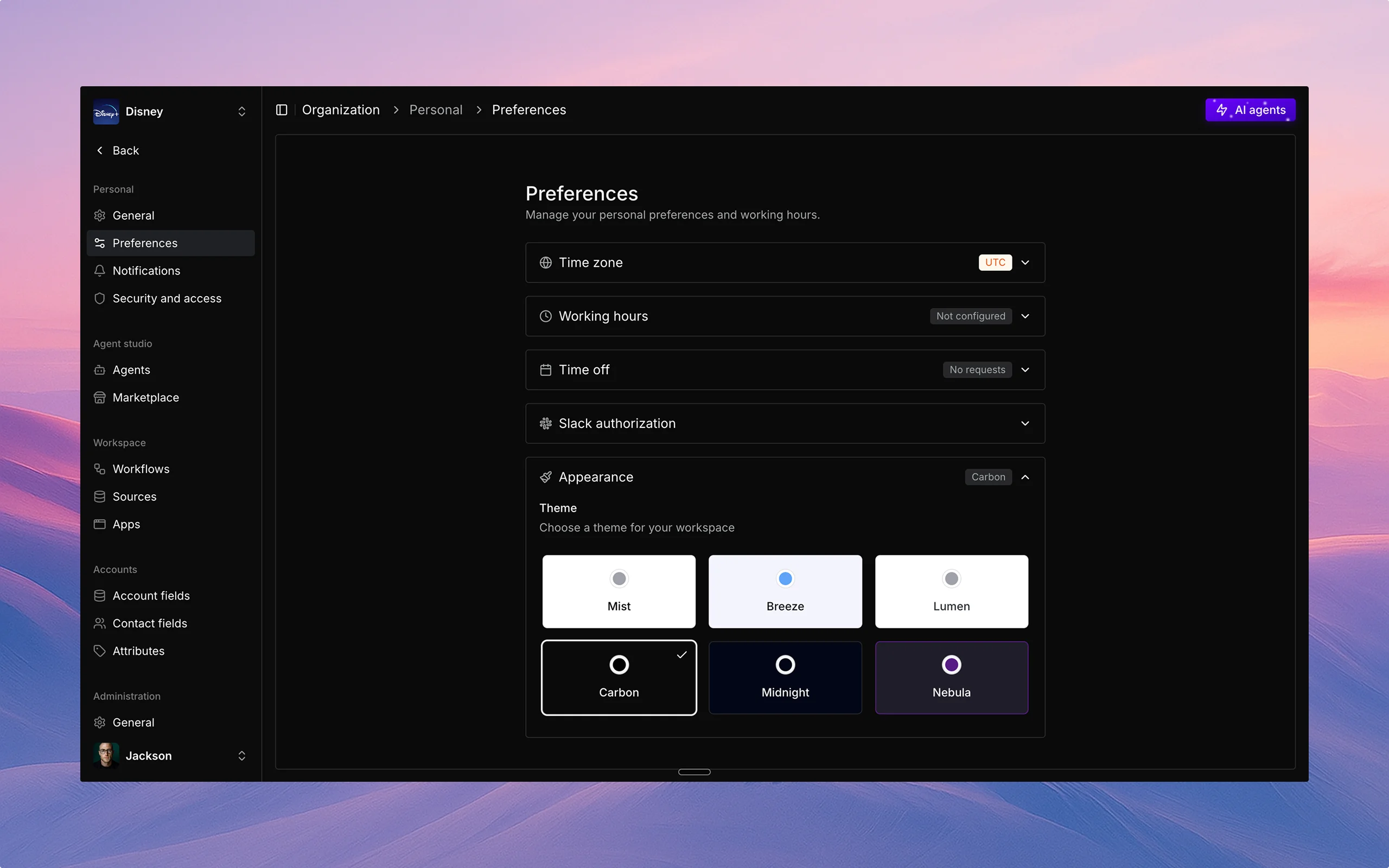 To access theme settings:
1. Log in to your Thena dashboard.
2. Click on your profile icon in the top right corner.
3. Select "Preferences" from the dropdown menu.
4. Click on the "Themes" tab.
## Light and dark modes
You can switch between light and dark modes:
1. Navigate to the "Themes" tab in your preferences.
2. In the "Mode" section, select one of the following options:
* Light mode: Bright background with dark text.
* Dark mode: Dark background with light text.
* System default: Automatically matches your device's settings.
* Auto (time-based): Switches between light and dark based on time of day.
3. Click "Save" to apply your selection.
## Best practices
* Choose a theme that reduces eye strain for your working environment.
* Consider switching to dark mode for evening work.
* Ensure sufficient contrast between text and background colors.
* Test your selected theme across different parts of the interface.
* Use accessibility settings if you have specific visual needs.
To access theme settings:
1. Log in to your Thena dashboard.
2. Click on your profile icon in the top right corner.
3. Select "Preferences" from the dropdown menu.
4. Click on the "Themes" tab.
## Light and dark modes
You can switch between light and dark modes:
1. Navigate to the "Themes" tab in your preferences.
2. In the "Mode" section, select one of the following options:
* Light mode: Bright background with dark text.
* Dark mode: Dark background with light text.
* System default: Automatically matches your device's settings.
* Auto (time-based): Switches between light and dark based on time of day.
3. Click "Save" to apply your selection.
## Best practices
* Choose a theme that reduces eye strain for your working environment.
* Consider switching to dark mode for evening work.
* Ensure sufficient contrast between text and background colors.
* Test your selected theme across different parts of the interface.
* Use accessibility settings if you have specific visual needs.